

Overview
Portal integrates with Due so you can move money between fiat and crypto through Portal Client API endpoints, including global payins and payouts, virtual accounts, and FX. This page covers one-time setup in the Portal Dashboard and links to workflow guides.Steps to enable the Portal Due integration
1. Get your Due API keys
- Request API access from Due at opendue.com/api for the environments you plan to use (sandbox and production keys are issued separately).
Keep your Due API keys secure. You will configure them in Portal in the next step, and Portal will proxy requests server-side.
2. Enable the Due integration in Portal
- Open the Portal Dashboard.
- Navigate to the
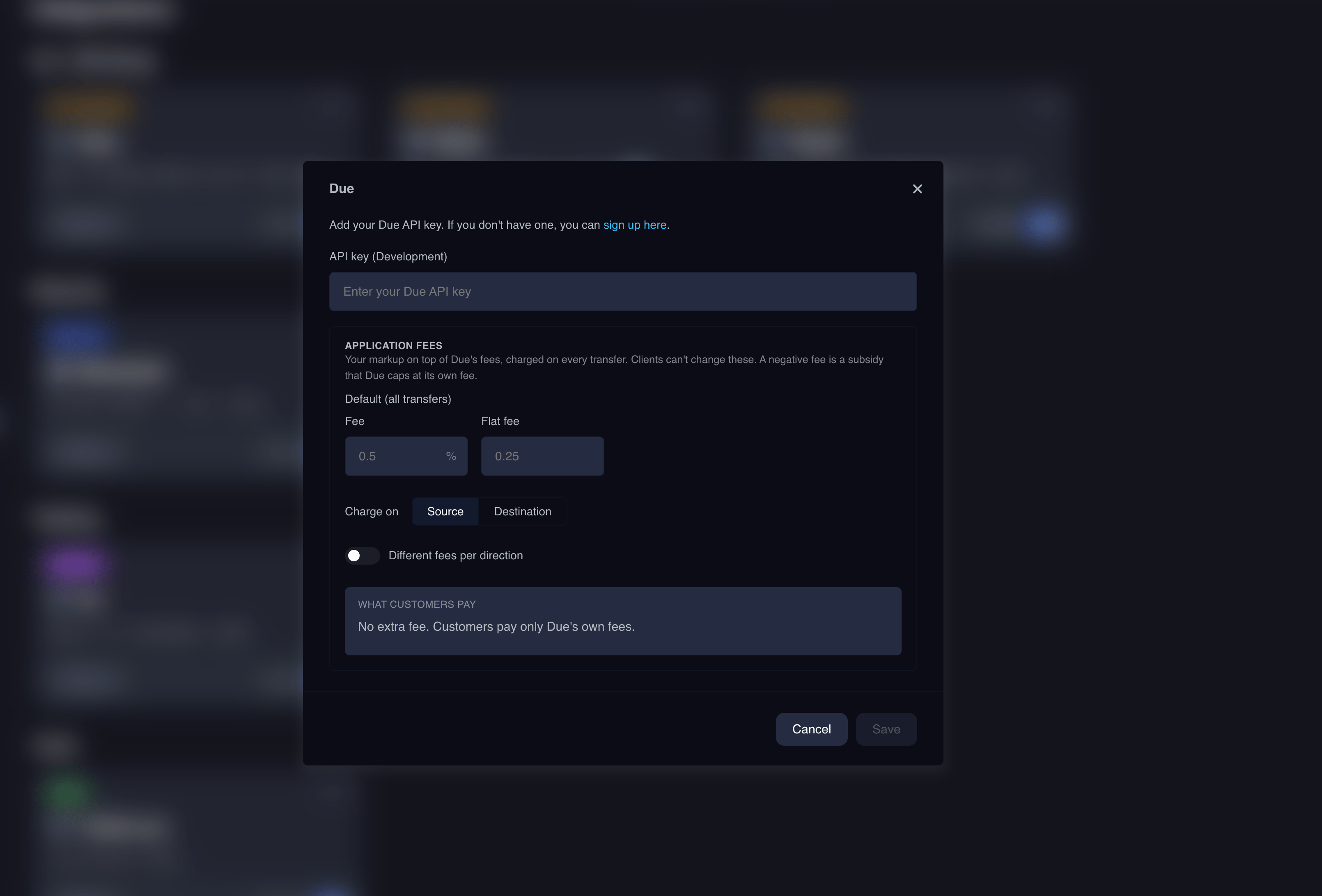
Integrationspage. - Locate
Dueand add the integration. - Paste your Due API key for the selected Portal environment.
- Optionally set the application fees you charge on top of Due’s fees. End-user clients can’t override them. See Application fees.
- Save.
3. Configure webhooks
Due webhook endpoints are managed through the Portal Custodian API rather than a provider dashboard. See Webhooks.Supported rails and currencies
Due’s coverage is channel-driven and evolves over time. Rather than hard-coding a list, query the channels endpoint at runtime to populate dropdowns and validate selections:- Channels:
GET /clients/me/integrations/due/channels(passonlyAvailable=trueto filter to channels the customer can use today)
chainId and maps it to the Due recipient schema, defaulting the address to the client’s Portal wallet when none is provided:
See Payins for end-to-end examples.
Workflow guides
API reference
Due API Reference
Open the interactive Due endpoints reference.