

Overview
Portal integrates with Noah so you can manage virtual bank accounts and global payouts through Portal Client API endpoints. This page covers one-time setup in the Portal Dashboard and links to workflow guides.Steps to enable the Portal Noah integration
1. Create your Noah credentials
- Create or access your Noah business account.
- Generate a Noah API key with request-signing key configuration (see Request Signing Key Generation).
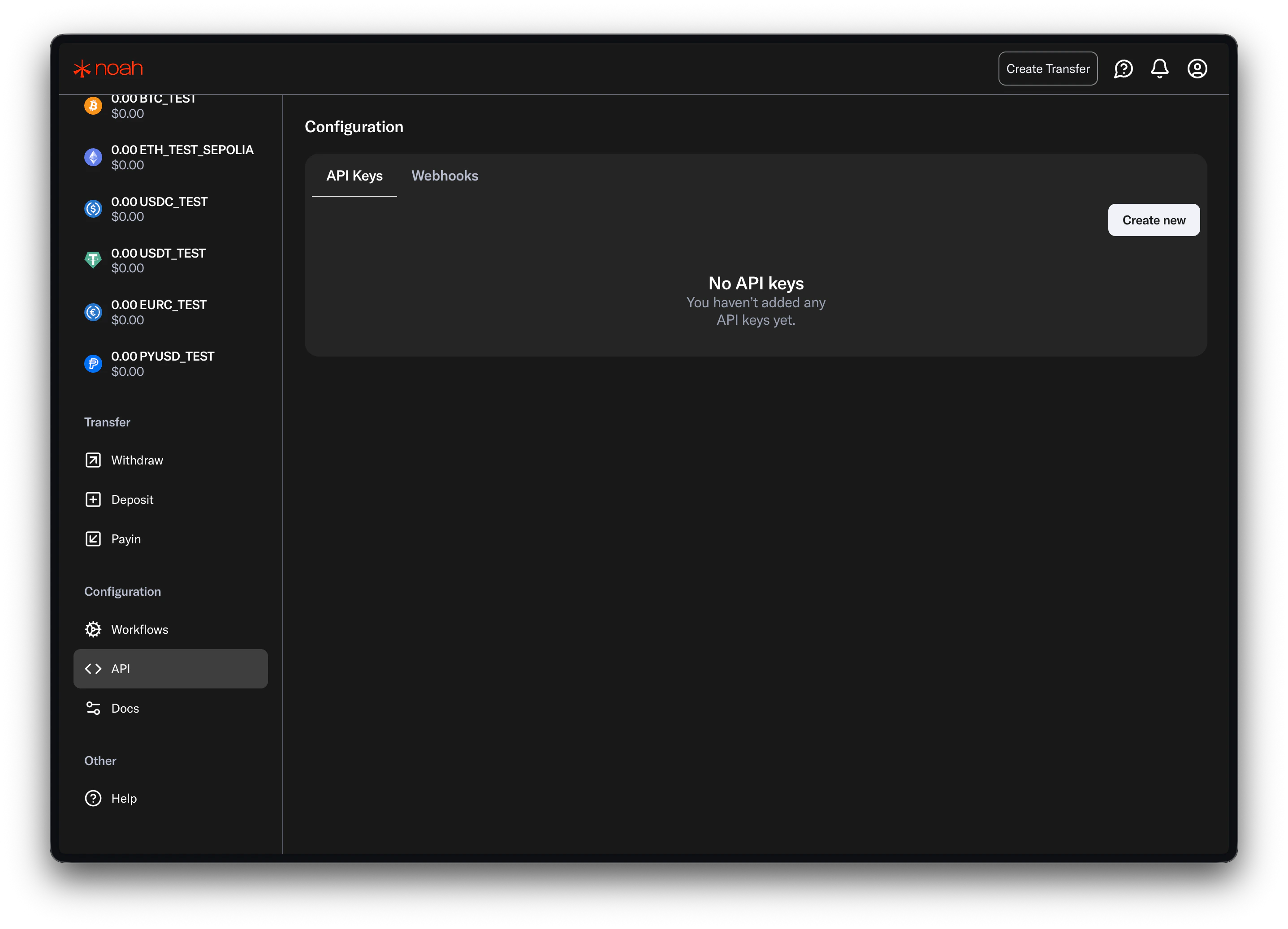
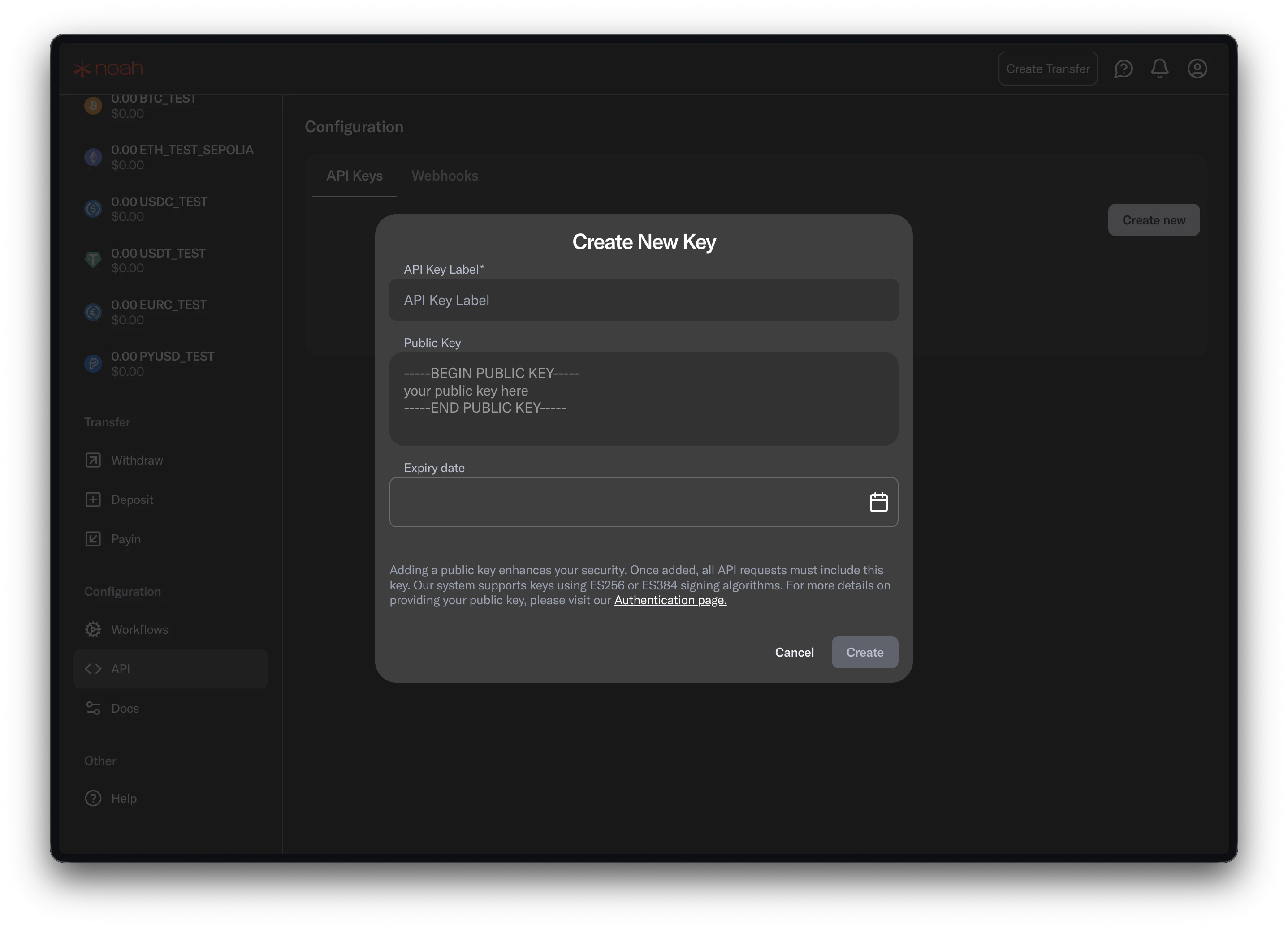
Keep your Noah credentials secure. You will configure them in Portal in the next step, and Portal will proxy requests server-side.
2. Enable the Noah integration in Portal
- Open the Portal Dashboard.
- Navigate to the
Integrationspage. - Locate
Noahand add the integration. - Provide your Noah API key.
- Provide your Noah signing private key in the integration configuration.
- Save changes for your selected Portal environment.
3. Configure business fees (optional)
Set a business fee to collect your own service fee on top of Noah’s fees on every payin and payout.- On the
Integrationspage, open theNoahconfiguration. - Under
Business fees, set a percentage and/or flat fee for pay-ins and pay-outs. - Save changes for your selected Portal environment.
Business fees are enforced server-side and applied automatically. Clients can’t set or override them per request, so fees are never exposed to or controlled by your end users.
4. Configure webhooks in Noah Dashboard
Configure your webhook endpoint and subscribe to Noah events directly in Noah Dashboard. See Webhooks.Supported networks
Portal accepts CAIP-2 network identifiers and maps them to Noah network names.SDK guides
- Noah virtual accounts and payouts using the Web SDK
- Noah virtual accounts and payouts using the React Native SDK
- Noah virtual accounts and payouts using the iOS SDK
- Noah virtual accounts and payouts using the Android SDK
- Noah virtual accounts and payouts using the Flutter SDK
Workflow guides
API reference
Noah API Reference
Open the interactive Noah endpoints reference.