

Overview
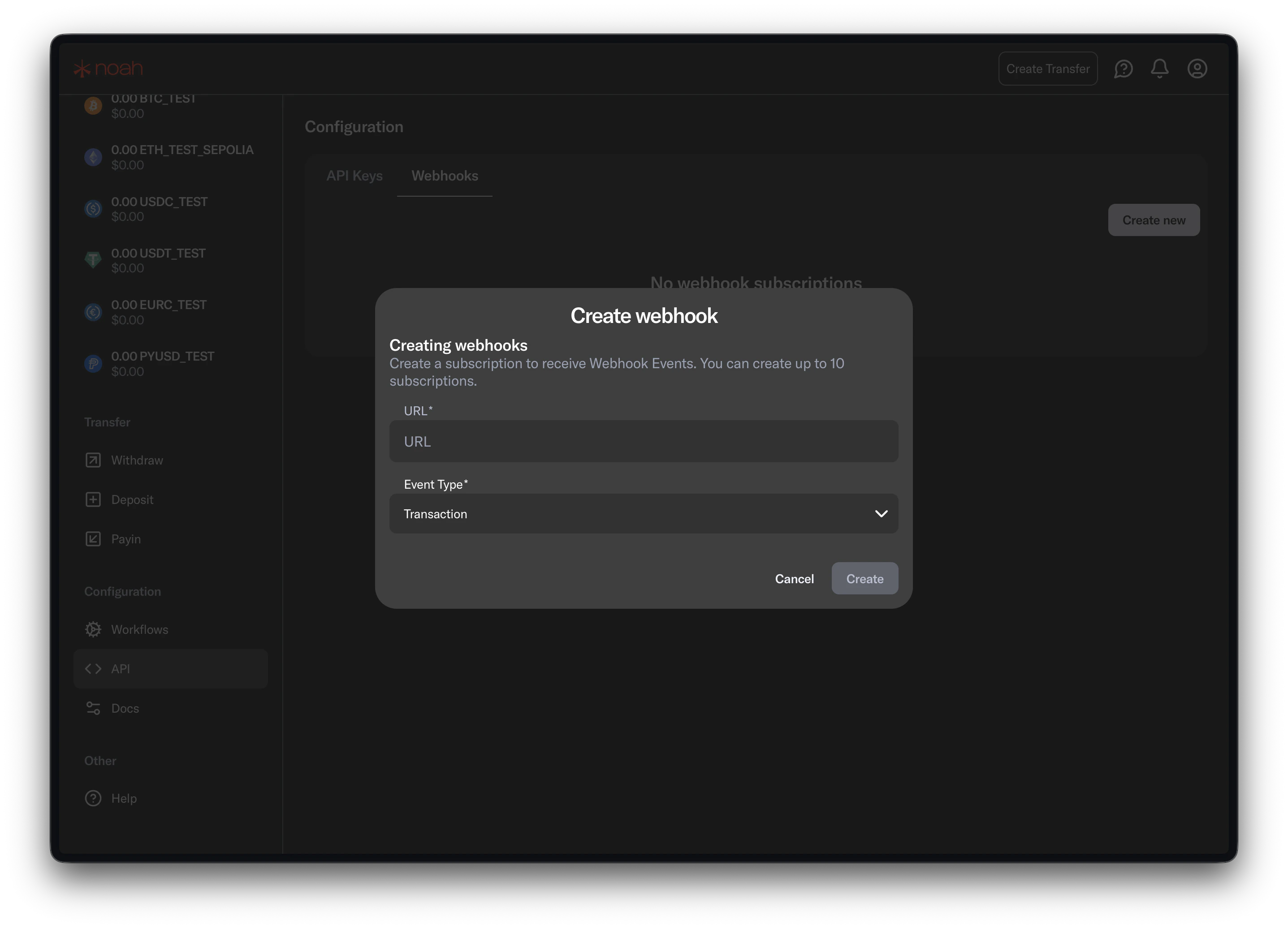
Configure webhooks directly in Noah Dashboard. Portal does not relay Noah webhook events.1. Add your endpoint in Noah Dashboard
- Open Noah Dashboard (correct environment).
- Go to webhook settings.
- Add your HTTPS webhook URL.
- Save.
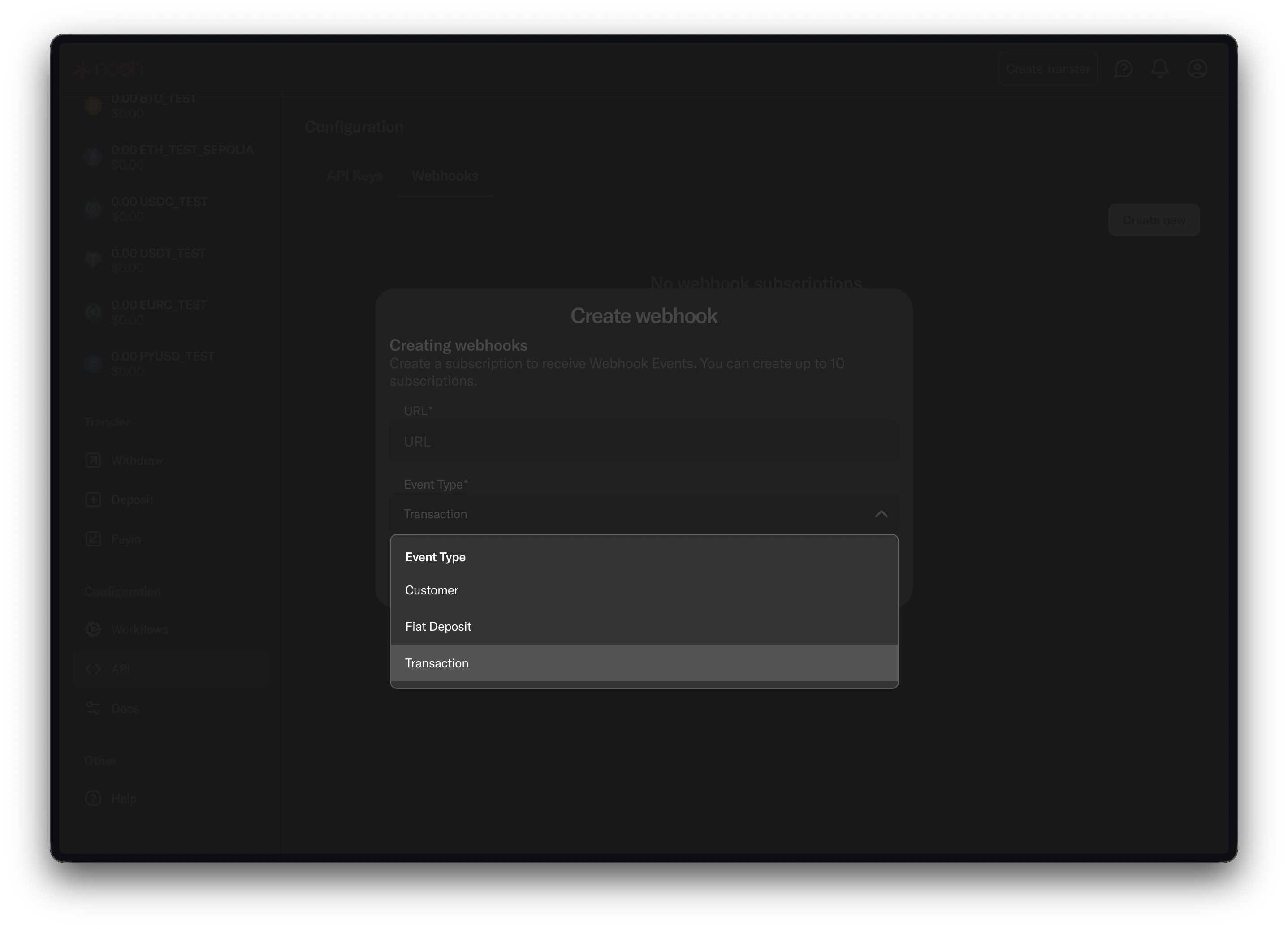
2. Select events
Subscribe to:Customer(KYC lifecycle)FiatDeposit(payin updates)Transaction(payin/payout transaction updates)
3. Verify delivery
- Send a test event from Noah Dashboard.
- Confirm your endpoint returns
2XX. - Process events asynchronously after acknowledgment.