

Overview
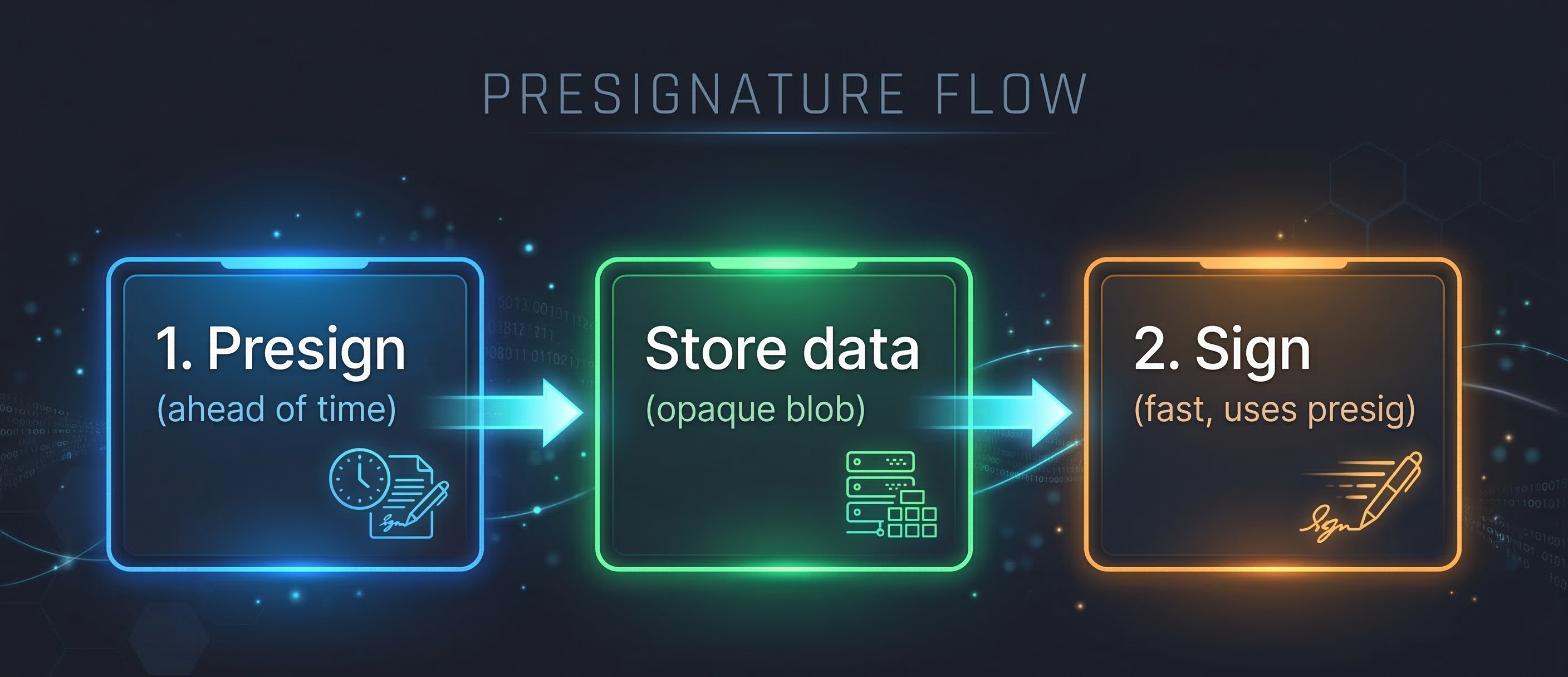
Presignatures allow you to split the MPC signing protocol into two phases:- Pre-computation phase — Generate a presignature ahead of time using the
presignendpoint. - Signing phase — Pass the presignature to a sign, raw sign, or send asset endpoint to complete the signature faster.
How It Works
The Enclave MPC API supports two presignature storage modes:
In both modes, the signing endpoint uses the pre-computed data to complete the MPC protocol faster.
Key Details
Use Cases
- Low-latency signing — Pre-compute during idle time so that user-facing sign requests complete faster.
- Batch preparation — Generate multiple presignatures in advance for a batch of upcoming transactions.
- Time-sensitive transactions — Prepare presignatures before a deadline so signing is fast when needed.
Compatible Endpoints
Presignatures can be used with the following Enclave MPC API endpoints:- Sign (
POST /v1/sign) — RPC-based signing (e.g.,eth_sendTransaction) - Raw Sign (
POST /v1/raw/sign/SECP256K1) — Sign a hex digest string - Send Assets (
POST /v1/assets/send) — High-level token transfer
Presignatures currently only support the
SECP256K1 curve. ED25519 (Solana) support is coming soon.Best Practices
- For client-stored presignatures, store the
idandexpiresAtalongside thedatavalue. While theidis not required for signing, it is useful for bookkeeping and may be needed when communicating with Portal support. - For Portal-managed presignatures, store the
idandexpiresAtso you can pass theidaspresignatureIdand clean up expired presignatures. - Discard expired presignatures — set up a regular process to check
expiresAttimestamps and clean up expired entries so you stay within the 100 active presignature limit.
SDK behavior
The SDK manages presignatures automatically when you enable theusePresignatures feature flag. With the flag enabled, the SDK generates presignatures in the background and uses them during signing (e.g. portal.request() or send-asset flows) to improve latency
Next Steps
Ready to use presignatures? Choose your platform:- Presignatures with Enclave MPC API — For server-side or custom integrations.
- React Native — Enable the
usePresignaturesfeature flag when initializing Portal - Web — Enable the
usePresignaturesfeature flag when initializing Portal